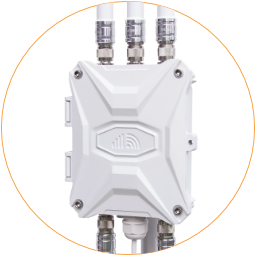
Traversal Cloud
Traversal Cloud is our secure NAT tunnel tool to provide remote control function on the 4G/5G routers and connected hosts. For more information about the cloud features, please visit https://www.outdoorrouter.com/traversal-cloud/.
After enabling the Traversal Cloud, you can access and control the router anytime, anywhere, on a web browser. It offers the easiest way to look over your networks. No public IP address and DDNS configuration are required.
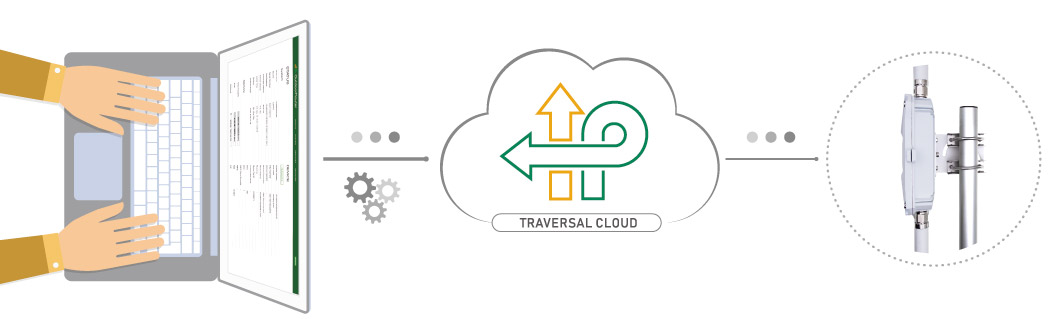
Traversal Cloud - Remote 4G/5G Control
Enable
Section titled “Enable ”The traversal cloud is turned off by default. You can follow the below steps to enable it.
- Log in to the router, go to “Services > Traversal Cloud.”
- Click the “ Enable “ checkbox and “Save & Apply.”
- Click the cloud address or copy it to the address bar on a web browser to access the router.
Debug
Section titled “Debug ”If unable to access the cloud address, please check the below factors.
- Ensure the traversal cloud has been enabled. After enabling the checkbox, please click the “Save & Apply” button.
- Before accessing the traversal cloud server, the router must have an Internet connection. Check the Internet connection on the router.
- If you once turned off the traversal cloud function within a power cycle, please reboot the router to refresh the traversal connection session.